
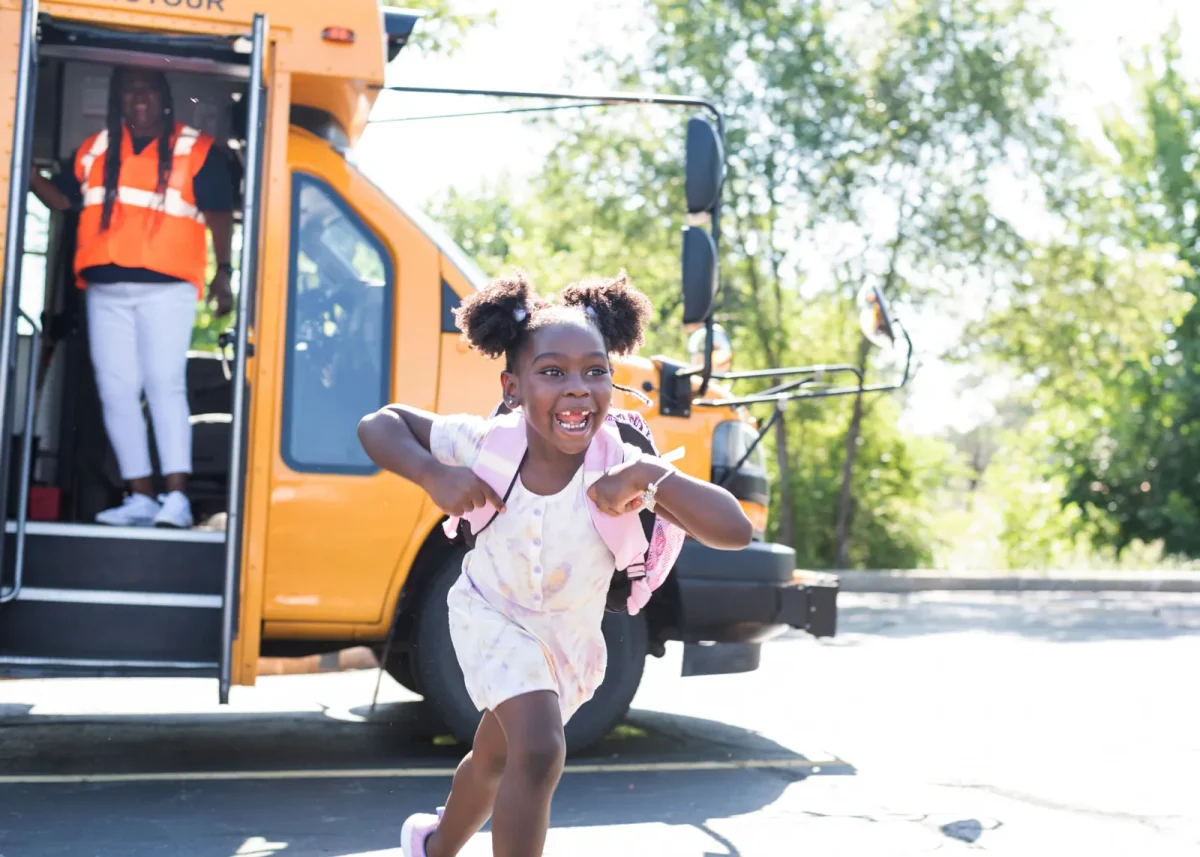
Stay informed about your student’s ride.
Find bus-tracking information, school bus safety resources and the right local contact for questions about Durham-operated transportation.
Learn More What can we help you with?

Track My Bus
See whether your district offers BusZone and find information about setting up the app.
Contact My Local Team
Get help with a late bus, route question, schedule, bus stop, lost item or other district-specific transportation need.
Report a Concern
Share a safety or service concern through BusReport — or recognize a Durham team member for a positive experience.
Review Bus Safety
Help your student understand how to wait, board, ride and exit the school bus safely.
Know where the bus is — and when to expect it.
Where enabled by your school district, BusZone gives parents and guardians near-real-time visibility into their student’s bus ride.
Depending on your district’s setup, BusZone may provide:
- Bus location on a map
- Estimated arrival information
- Delay and route notifications
- Custom alerts for pickup and drop-off areas
BusZone is part of Catalyst, Summit School Services’ connected student transportation platform. Its availability and specific features vary by district.
Getting started
- Download the BusZone app from your device’s app store.
- Enter the school access code provided by your district or local transportation team.
- Follow the district-specific instructions to add your student or route and set your notification preferences.
Some implementations require a route number, student ID and district-issued access code. Those credentials should come from your school district.
Download BusZone (Apple) Download BusZone (Android)
Learn About BusZone
Need an access code or help connecting your student? Contact your school district or local Durham team.
Get to the right help quickly.
Routes, stops, schedules, registration requirements and transportation policies vary by school district. Your local Durham team or district transportation office will have the most relevant information for your student.
For an emergency or immediate danger, call 911. For a late bus or another time-sensitive route issue, contact your local Durham dispatch team rather than submitting the general website form.

Late bus or same-day route issue
Contact your local dispatch team for the quickest assistance during route hours.

Route, stop or schedule question
Contact your district transportation office. Bus stops and routes are developed around district policies and may change as enrollment and transportation needs evolve.

Registration or transportation eligibility
Registration processes, service boundaries, fees and eligibility requirements are established for each district. Use your district’s transportation resources for instructions.

Special education transportation
Contact your student’s school or district special education and transportation teams regarding eligibility, service requests or changes to an existing transportation plan.

Lost item
Contact the local Durham operation that serves your district. Be ready to provide the school, route number, date and a description of the item.